Environment Variables
You can provide environment variables to each side of your Redwood app in different ways, depending on each Side's target, and whether you're in development or production.
Right now, Redwood apps have two fixed Sides, API and Web, that each have a single target, nodejs and browser respectively.
Generally
Redwood apps use dotenv to load vars from your .env file into process.env.
For a reference on dotenv syntax, see the dotenv README's Rules section.
Technically, we use dotenv-defaults, which is how we also supply and load
.env.defaults.
Redwood also configures Vite, so that all references to process.env vars on the Web side will be replaced with the variable's actual value at build-time. More on this in Web.
Web
Including environment variables
Heads Up: for Web to access environment variables in production, you must configure one of the options below.
Redwood recommends Option 1:
redwood.tomlas it is the most robust.
In production, you can get environment variables to the Web Side either by
- adding to
redwood.tomlvia theincludeEnvironmentVariablesarray, or - prefixing with
REDWOOD_ENV_
Just like for the API Side, you'll also have to set them up with your provider. Some hosting providers distinguish between build and runtime environments for configuring environment variables. Environment variables for the web side should in those cases be configured as build-time variables.
Option 1: includeEnvironmentVariables in redwood.toml
For Example:
```toml title="redwood.toml" [web] includeEnvironmentVariables = ['SECRET_API_KEY', 'ANOTHER_ONE']
By adding environment variables to this array, they'll be available to Web in production via `process.env.SECRET_API_KEY`. This means that if you have an environment variable like `process.env.SECRET_API_KEY` Redwood removes and replaces it with its _actual_ value.

Note: if someone inspects your site's source, _they could see your `REDWOOD_ENV_SECRET_API_KEY` in plain text._ This is a limitation of delivering static JS and HTML to the browser.

#### Option 2: Prefixing with REDWOOD_ENV\_

In `.env`, if you prefix your environment variables with `REDWOOD_ENV_`, they'll be available via `process.env.REDWOOD_ENV_MY_VAR_NAME`, and will be dynamically replaced at build-time.

Like the option above, these are also removed and replaced with the _actual value_ during build in order to be available in production.

### Accessing API URLs

Redwood automatically makes your API URL configurations from the web section of your `redwood.toml` available globally.
They're accessible via the `window` or `global` objects.
For example, `global.RWJS_API_GRAPHQL_URL` gives you the URL for your graphql endpoint.

The toml values are mapped as follows:

| `redwood.toml` key | Available globally as         | Description                              |
| ------------------ | ----------------------------- | ---------------------------------------- |
| `apiUrl`           | `global.RWJS_API_URL`         | URL or absolute path to your api-server  |
| `apiGraphQLUrl`    | `global.RWJS_API_GRAPHQL_URL` | URL or absolute path to GraphQL function |

See the [redwood.toml reference](app-configuration-redwood-toml.md#api-paths) for more details.

## Development Fatal Error Page

```text title=".env"
REDWOOD_ENV_EDITOR=vscode
Redwood comes with a FatalErrorPage that displays helpful information—like the stack trace and the request—when something breaks.
FatalErrorPageisn't bundled when deploying to production
As part of the stack trace, there are links to the original source files so that they can be quickly opened in your editor.
The page defaults to VSCode, but you can override the editor by setting the environment variable REDWOOD_ENV_EDITOR.
API
Development
You can access environment variables defined in .env and .env.defaults as process.env.VAR_NAME. For example, if we define the environment variable HELLO_ENV in .env:
HELLO_ENV=hello world
and make a hello Function (yarn rw generate function hello) and reference HELLO_ENV in the body of our response:
``jsx {6} title="./api/src/functions/hello.js"
export const handler = async (event, context) => {
  return {
    statusCode: 200,
    body:
${process.env.HELLO_ENV}`,
}
}
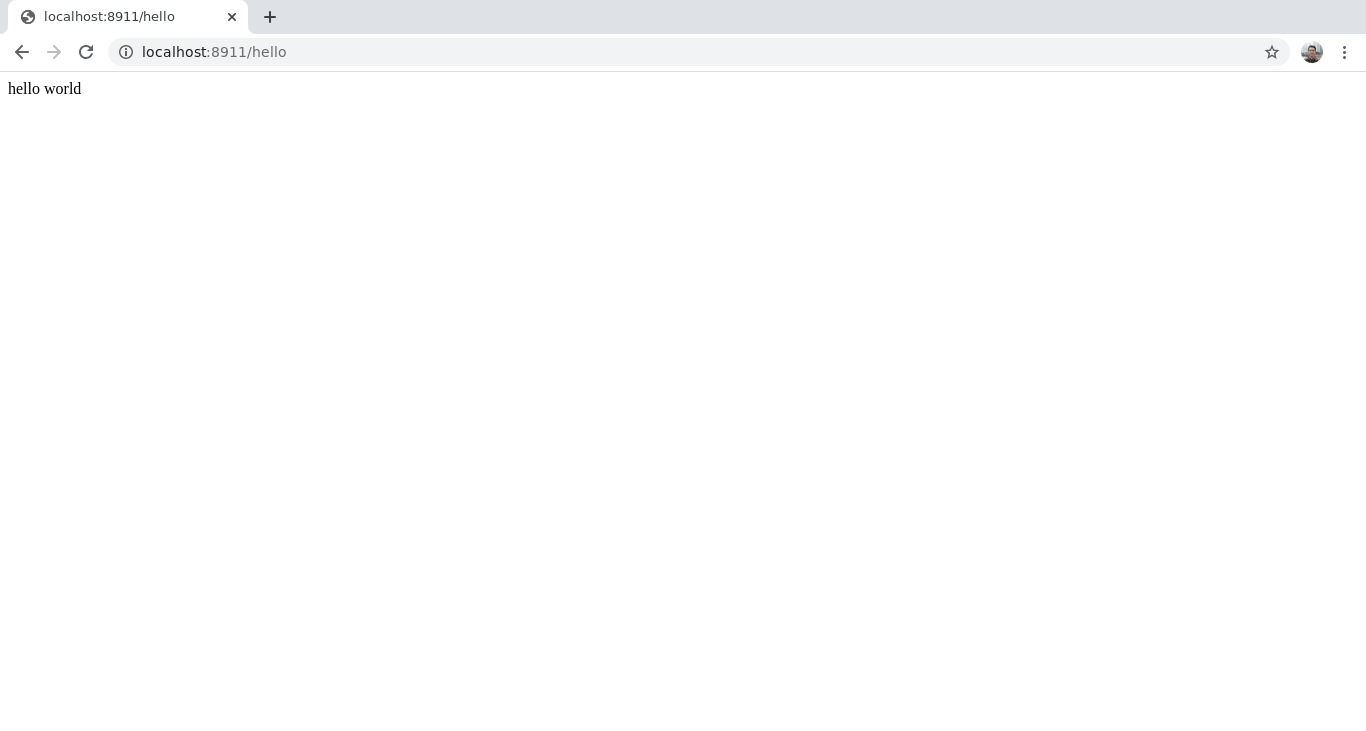
Navigating to http://localhost:8911/hello shows that the Function successfully accesses the environment variable:
<!-- @todo -->
<!-- Get a better-quality pic -->
### Production
<!-- @todo -->
<!-- Deployment system? platform? -->
Whichever platform you deploy to, they'll have some specific way of making environment variables available to the serverless environment where your Functions run. For example, if you deploy to Netlify, you set your environment variables in **Settings** > **Build & Deploy** > **Environment**. You'll just have to read your provider's documentation.
Some hosting providers distinguish between build and runtime environments for configuring environment variables. Environment variables for the api side should in those cases be configured as runtime variables.
## Keeping Sensitive Information Safe
Since it usually contains sensitive information, you should [never commit your `.env` file](https://github.com/motdotla/dotenv#should-i-commit-my-env-file). Note that you'd actually have to go out of your way to do this as, by default, a Redwood app's `.gitignore` explicitly ignores `.env`:
```plaintext {2}
.DS_Store
.env
.netlify
dev.db
dist
dist-babel
node_modules
yarn-error.log
Where Does Redwood Load My Environment Variables?
For all the variables in your .env and .env.defaults files to make their way to process.env, there has to be a call to dotenv's config function somewhere. So where is it?
It's in the CLI—every time you run a yarn rw command:
```jsx title="packages/cli/src/index.js" import { config } from 'dotenv-defaults'
config({ path: path.join(getPaths().base, '.env'), encoding: 'utf8', defaults: path.join(getPaths().base, '.env.defaults'), }) ```
Remember, if yarn rw dev is already running, your local app won't reflect any changes you make to your .env file until you stop and re-run yarn rw dev.